AgentOS Scope OutJoin the waitlist
The same tool. Three distinct jobs it gets done.
Scope Out was built for a tight internal team hunting proptech SaaS opportunities. Here is how each member of that team uses it — and the specific features carrying their weight.
PERSONA 01 — THE OPPORTUNITY HUNTER
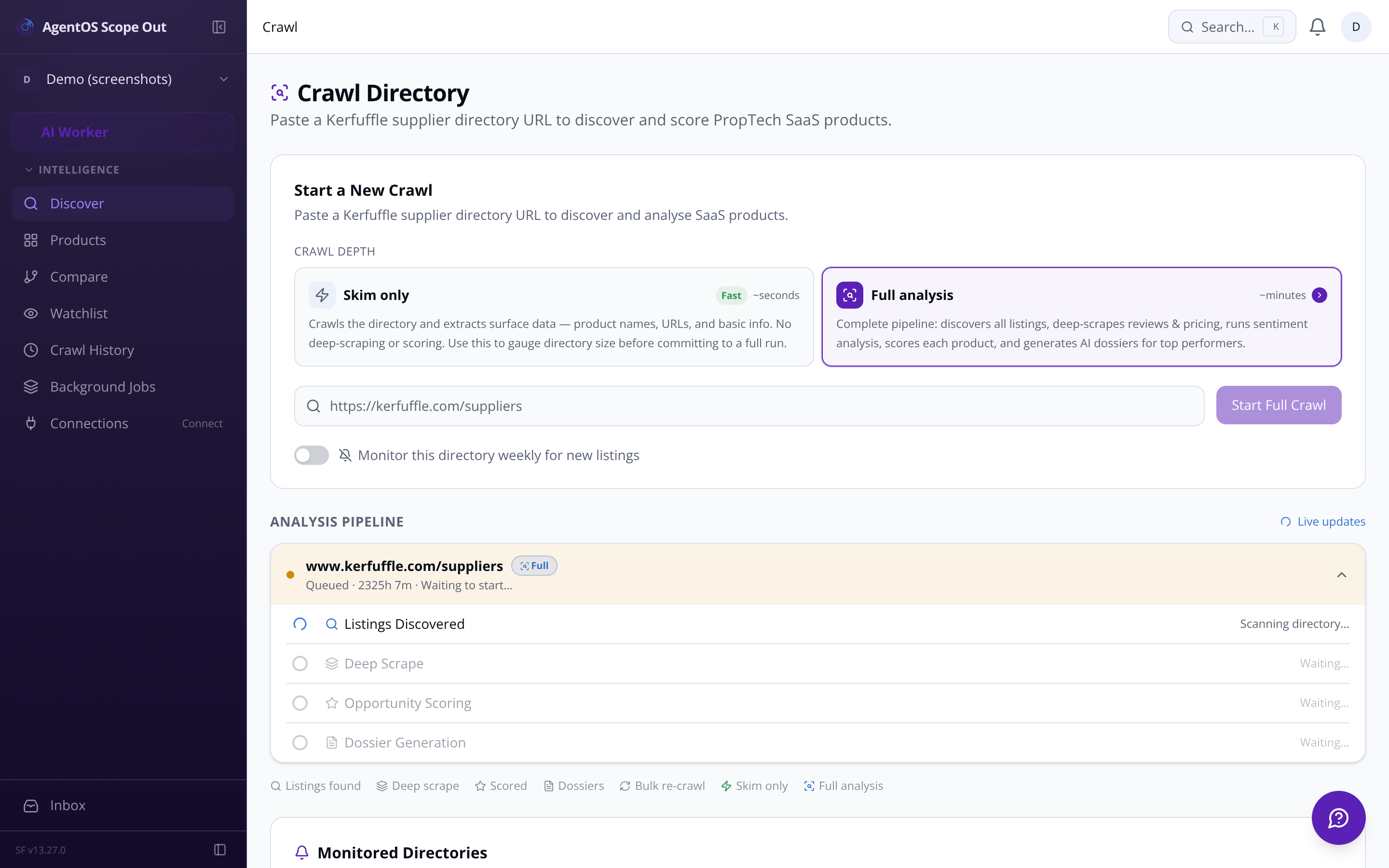
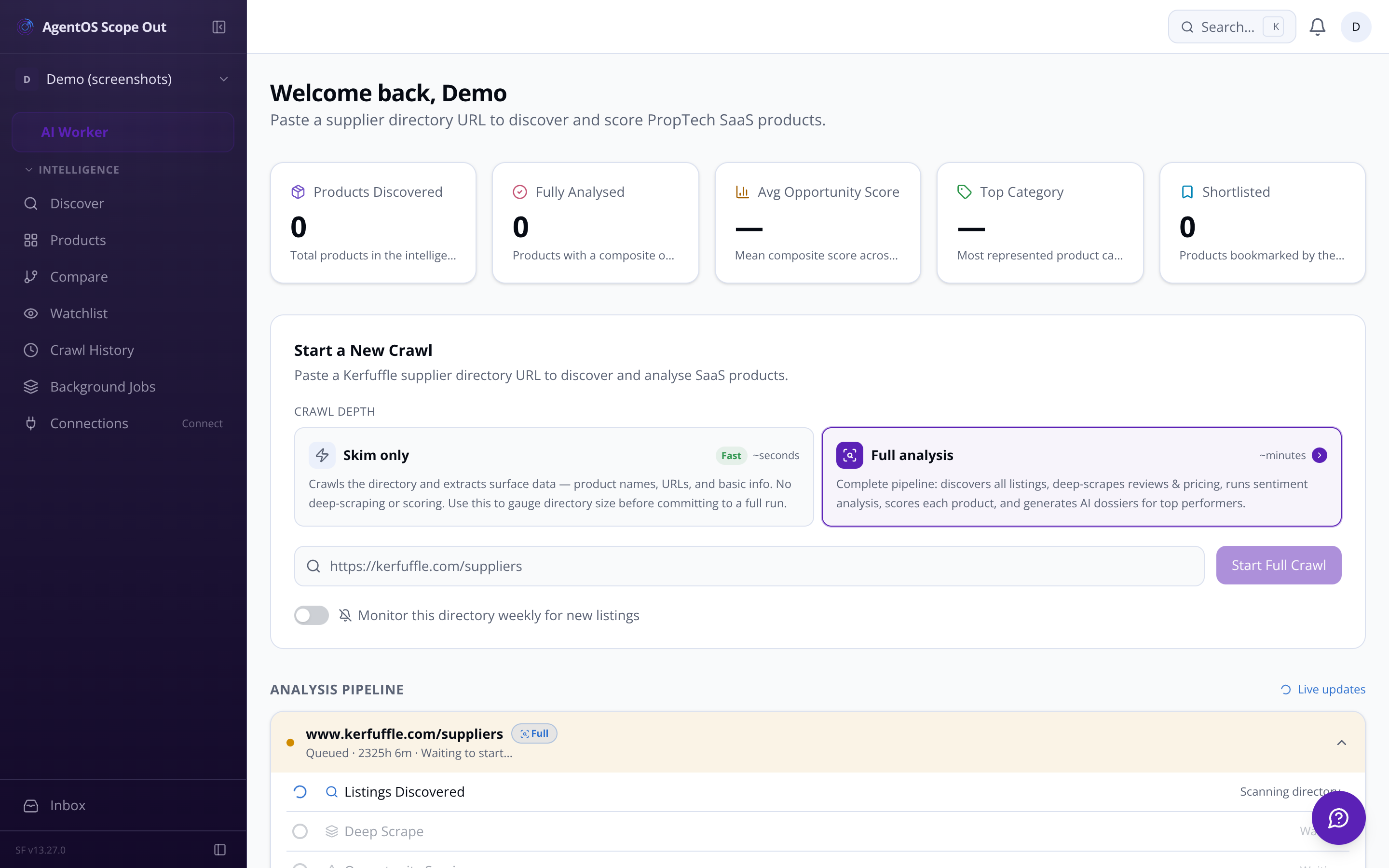
Drop a Kerfuffle directory URL into the crawl form. The pipeline skims every listing, then deep-scrapes the top candidates — pulling star ratings, review text, pricing signals, and feature bullet points — before scoring each product across four dimensions and ranking them by composite opportunity score.
Skim or full analysis Gauge directory size with a quick skim before committing to a deep run.
Top-N auto-selection The system flags the strongest surface candidates for deep analysis — you confirm before it fires.
Composite score ranking Replicability, market demand, revenue potential, and competitive gap — weighted your way.
Live pipeline status Listings discovered, products scored, dossiers generated — tracked in real time.
Whether you're starting cold or returning to a market you've been watching for months, these are the jobs Scope Out does.
Paste any PropTech directory URL. The crawler skims all listings, deduplicates, and reports back how many products it found — in seconds, before you commit to a full deep-scrape run.
The scoring engine passes scraped feature lists, review text, pricing signals, and category data to the LLM. Four dimension scores are computed and combined into a single composite opportunity score.
Click any product row to open its dossier: all four dimension scores with written rationales, raw review samples, pricing tier, extracted feature list, an auto-drafted mission statement, and a competitor weakness analysis.
Flag any directory for weekly automated re-crawl. When new listings appear, they're badged 'new since last crawl' in the dashboard and you receive an in-app notification with a direct link to the new products.
Access is restricted to the internal team. Questions? Email us at sf-core-org-support-agentos-scope-out@saas-factory.ai
PERSONA 02 — THE PRODUCT STRATEGIST
The competitive gap scorer isolates recurring complaints across every scraped review — identifying the top three pain themes, mapping them to product opportunity areas, and scoring gap severity. The dossier turns those themes into a prioritised 10-item feature list for a competing SaaS, and a weakness analysis ready to paste into your build spec.
Sentiment tagging Every review labelled by sentiment, topic (pricing, UX, integrations, support), and key quoted phrase.
Auto-drafted mission statement A concise pitch for a competing product — generated from the gap analysis, ready to copy.
PERSONA 03 — THE FOUNDING TEAM
The crawler respects per-domain rate limits (default 1 req/sec), parses robots.txt before touching a domain, and backs off on 429/503 responses. Blocked domains are logged to the crawl run record.
Adjust the relative weight of each scoring dimension from the settings page. Changing weights triggers a background re-ranking without burning another AI call.
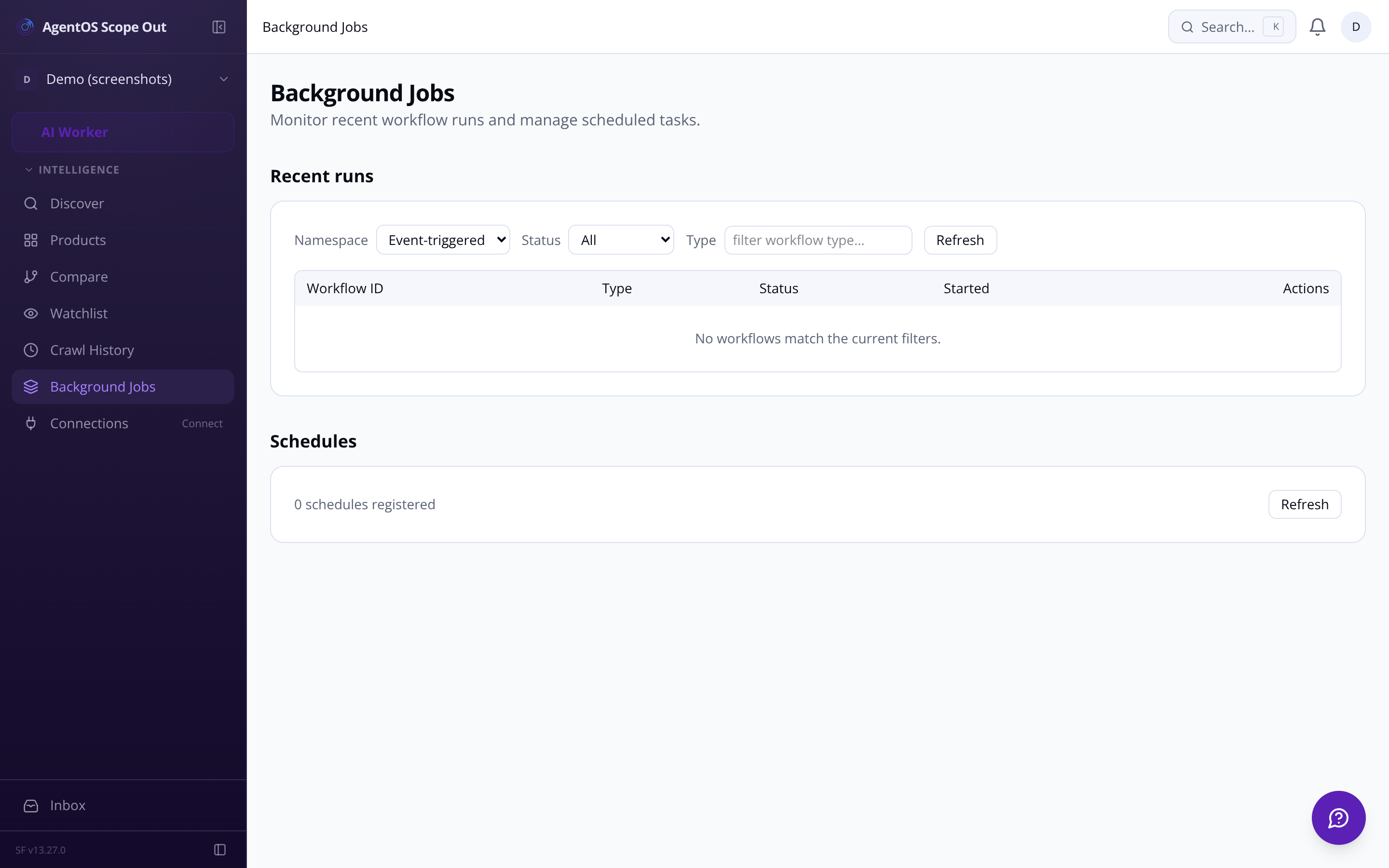
The pipeline status tracker shows you exactly where each crawl run stands: listings discovered, products deep-scraped (X of Y), products scored, dossiers generated. Scrape errors surface with their status codes and failure reasons — retry individual products with one click.
Background jobs dashboard Every Inngest function — crawl, score, dossier — visible in a single jobs view.
Crawl history and run log Every past crawl: URL, timestamp, duration, products found, run status. Click any run to see its product list.
Scrape error retry 403 blocked, timeout, parsing failure — surfaced per product with the exact error. Manual retry from the dashboard row.
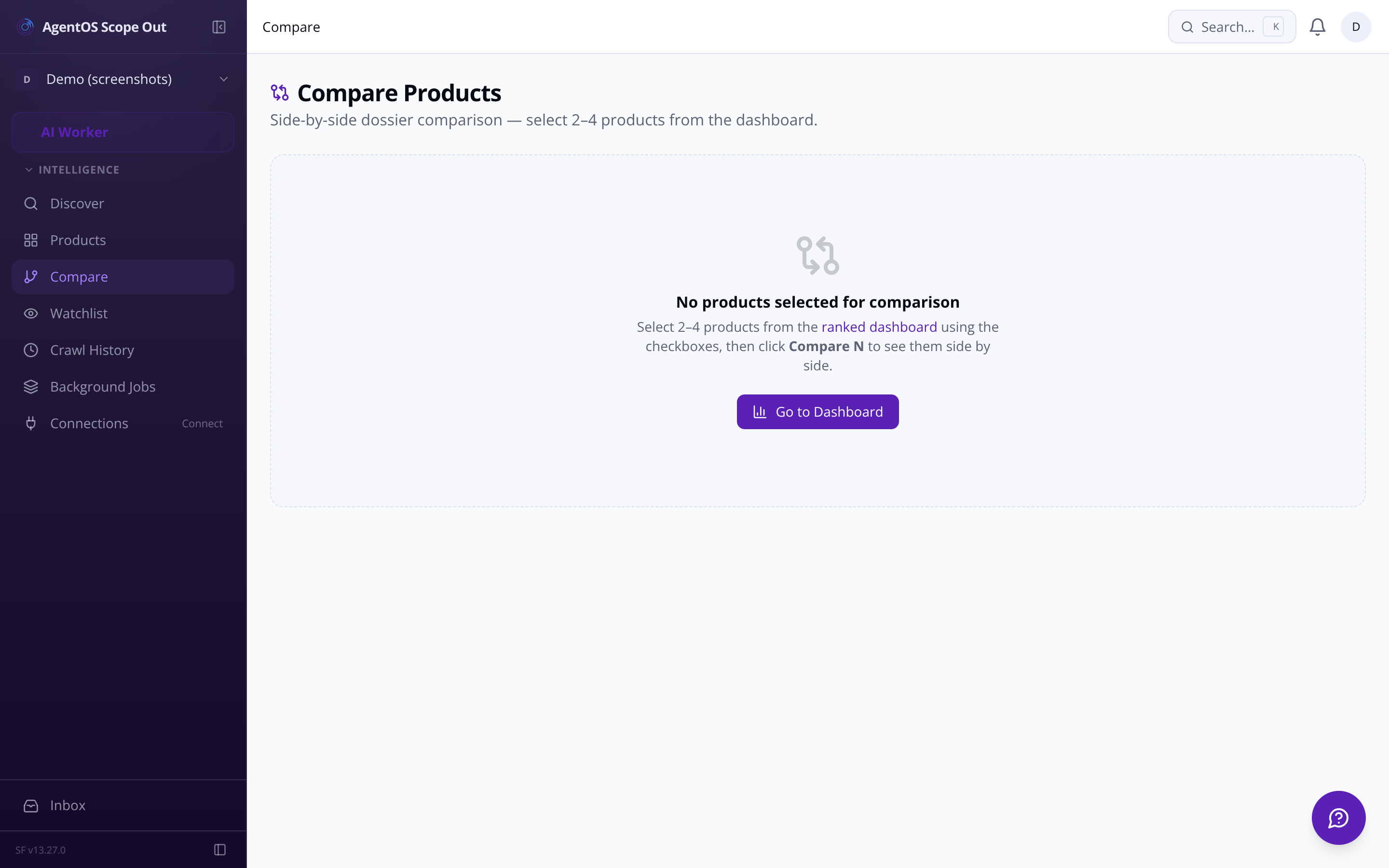
Side-by-side comparison Select 2–4 products and compare all dimension scores, pricing tiers, and weakness themes in one table.
Copy to clipboard Each dossier artefact has a one-click Markdown copy button — paste straight into your build workflow.
The dashboard keeps every discovered product in a sortable, filterable table. Mark products as reviewed, shortlisted, or archived. Leave timestamped notes on any dossier — attributed to you by name. When scores shift, a directional indicator tells you exactly which products moved and by how much.
Status lifecycle New → Reviewed → Shortlisted → Building → Archived. Filterable at every stage.
Team notes on dossiers Threaded, timestamped, attributed — so 'Glyn looked at this, too complex' stays on the record.
Score movement alerts Products that shift more than 1.5 points between crawl runs surface a directional indicator on the dashboard row.
Weekly intelligence digest A weekly email summarises new products found, top composite scores, and notable score changes — no manual checking required.
Export a full dossier to Markdown or PDF in one click. Export the entire ranked table as CSV for offline analysis or sharing with people who don't have tool access.
Token usage and estimated cost are tracked per run — broken down by skim, scoring, and dossier generation. An in-app alert fires if a single run exceeds your configured threshold.
Every re-score snapshots the previous dossier version. Track how scores and written analyses have shifted across crawl runs — useful for markets you're watching over months.
A 7-day minimum re-scrape guard prevents redundant API calls. Raw scrape data is retained for 90 days by default — both values are configurable from settings.